
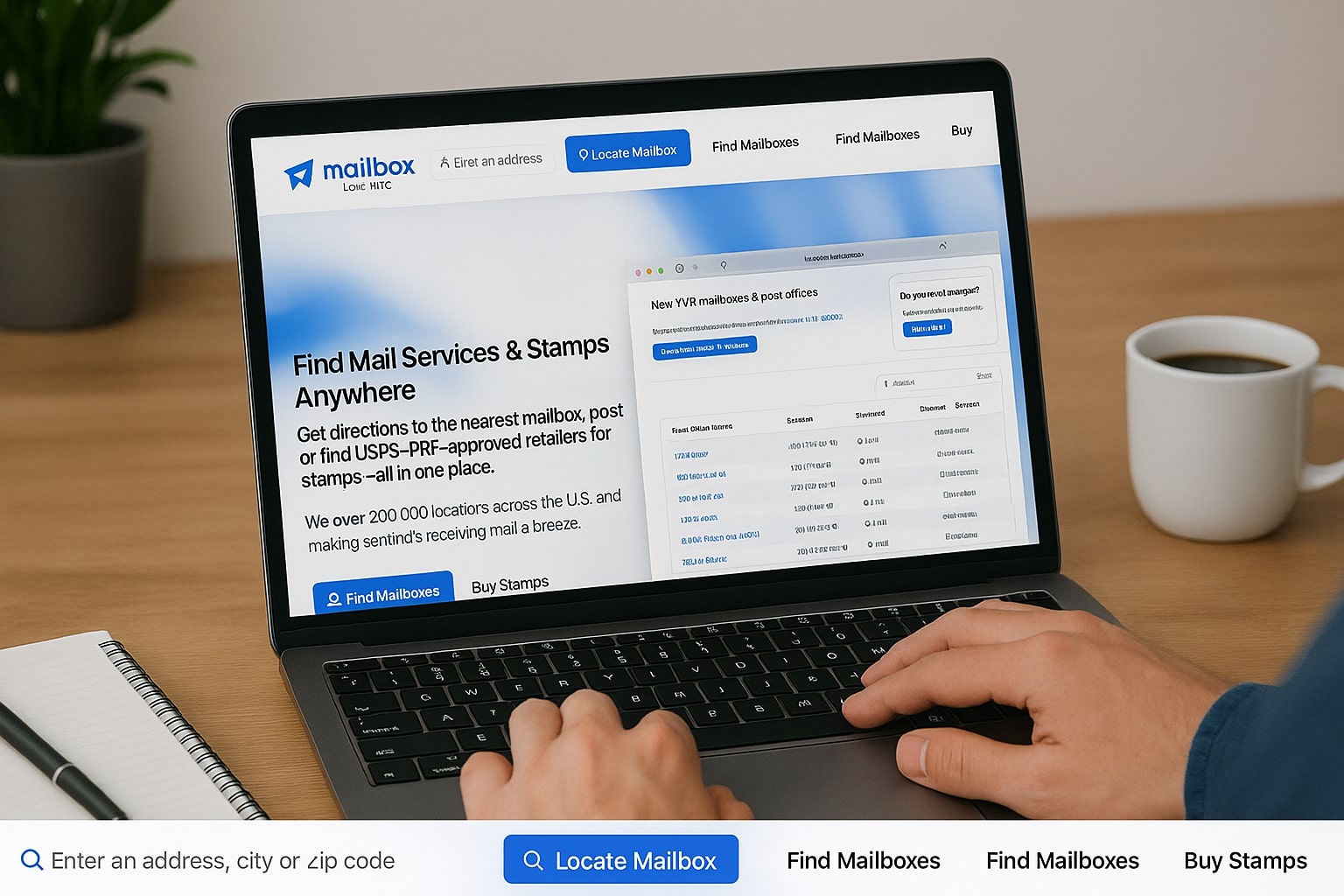
The USPS Search Locator Tool is an essential resource for anyone who needs to locate USPS services quickly and efficiently. Whether you’re looking for post offices, mailboxes, or other services offered by the United States Postal Service, this tool helps ensure that you find the most accurate, up-to-date information.
With its convenience and time-saving features, the USPS Locator Tool allows you to easily identify nearby USPS locations, ensuring that you can send and receive mail with minimal hassle.
What Is The USPS Search Locator Tool?
The USPS Search Locator Tool is an online feature provided by the United States Postal Service that allows users to search for various USPS services, including post offices, mailboxes, and other related services. This tool is designed to make it easy for customers to find their nearest USPS locations, ensuring that they can access the services they need.
How It Works
The USPS Search Locator Tool works by allowing users to input their location (such as a ZIP code or city name) and then displaying relevant results based on their search criteria. It offers several search filters, including hours of operation, types of services available, and specific location types (e.g., self-service kiosks, mail collection boxes, etc.).
Key Features Of The USPS Search Locator Tool
The USPS Search Locator Tool stands out with its versatile search options, real-time location data, and interactive map integration, allowing users to find exactly what they need with ease.
It also provides detailed information like extended hours and available services, ensuring a convenient and efficient search experience.
Search Options
One of the key features of the USPS Search Locator Tool is its wide range of search options. Users can specify whether they are looking for a post office, a mailbox, or even a specific service like a self-service kiosk. This flexibility makes it easier to find exactly what you need.
Real-Time Location Data
The tool offers real-time data, so you can trust that the information you receive is accurate and up-to-date. This ensures that you are directed to locations that are currently in operation and accessible.
Map Integration
The tool also integrates with an interactive map, allowing users to visualize the locations of nearby USPS services. This feature is especially helpful for those who prefer a visual representation of their search results.
Extended Hours Information
Another notable feature of the USPS Search Locator Tool is its ability to provide information on locations with extended hours. Whether you need to visit a post office after regular working hours or find a 24-hour mailbox, the tool can help guide you to the most convenient options.
How To Use The USPS Search Locator Tool For Fast And Accurate Results
To use the USPS Search Locator Tool effectively, start by entering your location details, applying filters for specific services or hours, and reviewing the list or map view for accurate USPS locations.
This step-by-step approach ensures you receive the most relevant results, helping you quickly find nearby post offices, mailboxes, or other services.
- Visit the USPS Locator Page: Start by navigating to the official USPS website and locating the Search Locator Tool under the “Quick Tools” section. This is the starting point for accessing a comprehensive database of USPS services near you.
- Enter Your Location: Input your ZIP code, city, or full street address into the search field provided on the tool’s homepage. This allows the system to generate a tailored list of USPS facilities based on your specific geographic area.
- Apply Filters: Use the available filters to narrow down your search based on the type of service you need, such as post offices, collection boxes, or self-service kiosks. You can also filter by hours of operation, accessibility options, and other preferences for more accurate results.
- View Results: After applying your search criteria, the tool will display a list of matching USPS locations, including their addresses, hours, and available services. Each result is detailed to help you compare options and choose the most convenient location.
- Check the Map: You can switch to the map view to see the geographic placement of each USPS location relative to your current address. This visual aid helps you better understand proximity and plan your visit more efficiently.
Understanding the Search Results
Once you have entered your search criteria, the results will display all matching USPS locations. Each entry typically includes the address, hours of operation, and available services at each location. Some results will also feature ratings and reviews from other customers.
Using the USPS Post Office Locator Tool
If you are specifically looking for a post office, the USPS Post Office Locator Tool can narrow your search to just those locations. This feature is ideal for those seeking to complete postal services such as sending packages or buying stamps.
Troubleshooting Common Issues With The USPS Search Locator Tool
When using the USPS Search Locator Tool, users may occasionally encounter issues such as outdated location data, limited service availability, or incomplete search results.
By understanding how to troubleshoot these common problems—like verifying information, adjusting search filters, and checking service types—users can ensure more accurate and helpful results.
Inaccurate Or Missing Locations
Occasionally, the USPS Locator Tool may show inaccurate or missing locations. This can happen if the USPS hasn’t updated its database or if certain locations temporarily close.
If you encounter this issue, it’s a good idea to double-check the details on the official USPS website or contact customer support.
Understanding Location Availability
Not all USPS locations offer the same services. For instance, a mailbox location may not offer counter services, and a post office might not have a self-service kiosk.
When searching for a specific service, always make sure that the location you are viewing can meet your needs.
Optimizing Search Results
If you’re having trouble finding specific services, try adjusting your search filters. Using more detailed criteria, such as specific service types or a larger search radius, can improve the relevance of your results.
Advanced Tips For Getting The Most Out Of The USPS Search Locator Tool
To maximize the effectiveness of the USPS Search Locator Tool, users can apply advanced strategies like combining multiple search filters and using the interactive map for better location context.
These techniques help refine search results and make it easier to find USPS services that match specific needs.
Using Multiple Search Criteria
For a more refined search, try using multiple search criteria. For example, you can filter for locations with extended hours while also specifying that you need to find a post office with self-service kiosks.
Navigating Map Features
Make the most of the integrated map by zooming in and out, or clicking on specific locations for more detailed information. This can help you quickly visualize the closest USPS services in relation to your location.
Conclusion
In conclusion, the USPS Search Locator Tool offers a fast, reliable, and user-friendly way to locate USPS services near you. Its real-time data, flexible search options, and integrated map features ensure you can find what you need—whether it’s a post office, mailbox, or self-service kiosk—with minimal hassle.
By using advanced tips and troubleshooting common issues, you can make the most of this powerful tool. Whether you’re managing daily mail or planning a one-time shipment, incorporating the USPS Locator into your routine simplifies the process and helps ensure timely, accurate access to postal services whenever and wherever you need them.
My brother suggested I would possibly like this website.
He was totally right. This publish truly made my day.
You can not consider simply how so much time I had spent for this info!
Thanks!
I loved as much as you will receive carried out right here.
The sketch is attractive, your authored material stylish.
nonetheless, you command get got an nervousness over that you wish
be delivering the following. unwell unquestionably come more formerly again since exactly the same nearly a lot often inside case you shield this increase.
I have been exploring for a little for any high quality articles or weblog posts in this kind
of area . Exploring in Yahoo I finally stumbled upon this site.
Studying this information So i’m glad to show that I’ve a very
excellent uncanny feeling I found out just what I
needed. I most no doubt will make certain to don?t
forget this website and provides it a look regularly.
I do trust all of the concepts you’ve offered in your post.
They are very convincing and can definitely work.
Still, the posts are very quick for starters. May
you please lengthen them a bit from next time? Thank you
for the post.
I need to to thank you for this very good read!!
I absolutely enjoyed every little bit of it.
I’ve got you saved as a favorite to look at
new stuff you post…
I believe that is among the such a lot vital information for
me. And i’m happy reading your article. But should observation on few
basic things, The site style is wonderful, the articles
is in point of fact excellent : D. Just right activity, cheers
Have you ever thought about including a little bit more than just your articles?
I mean, what you say is fundamental and everything.
Nevertheless just imagine if you added some great photos or video
clips to give your posts more, “pop”! Your content is excellent but with
pics and videos, this website could certainly be one of the very best in its niche.
Excellent blog!
Thanks for finally writing about > Navigate the USPS Search Locator for Accurate Results < Liked it!
I’m impressed, I need to say. Actually hardly ever do I encounter a weblog that’s each educative and entertaining, and let me let you know, you may have hit the nail on the head. Your idea is excellent; the problem is something that not enough persons are talking intelligently about. I am very completely satisfied that I stumbled across this in my search for something relating to this.
I don’t think the title of your article matches the content lol. Just kidding, mainly because I had some doubts after reading the article. https://accounts.binance.com/ro/register-person?ref=HX1JLA6Z
Hi everyone, it’s my first go to see at this site,
and piece of writing is actually fruitful in favor of
me, keep up posting these articles or reviews.
Hurrah! Finally I got a blog from where I know how to genuinely
take useful facts regarding my study and knowledge.
Pretty nice post. I just stumbled upon your weblog and wished to say
that I’ve really enjoyed surfing around your blog posts.
After all I’ll be subscribing to your rss feed and I hope you write again soon!
Fabulous, what a website it is! This webpage gives useful
information to us, keep it up.
It’s remarkable for me to have a site, which is helpful designed for my knowledge.
thanks admin
These are in fact enormous ideas in on the topic of blogging.
You have touched some nice points here. Any way keep up wrinting.
I am curious to find out what blog platform you happen to be using?
I’m experiencing some small security issues with my latest
website and I would like to find something more secure. Do you
have any suggestions?
Wow, this article is good, my younger sister is analyzing these things, therefore I
am going to convey her.
That is really fascinating, You are an excessively professional blogger.
I’ve joined your feed and sit up for in quest of extra of
your great post. Also, I have shared your site in my
social networks